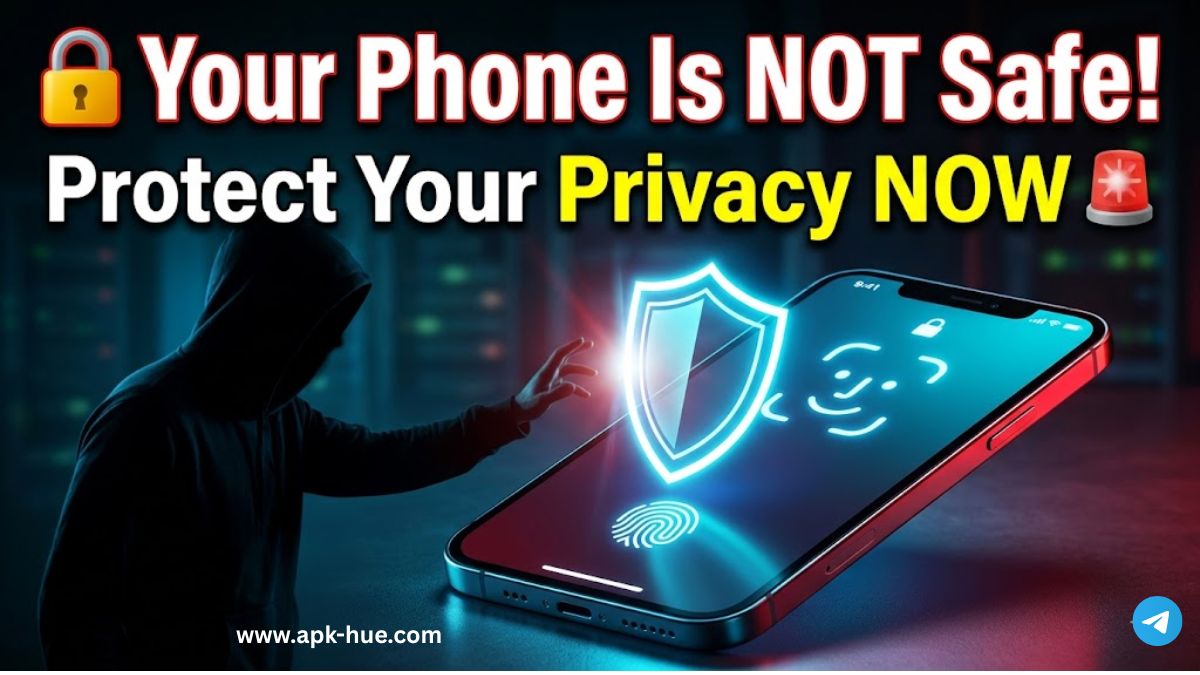
In today’s digital world, smartphones and tablets store a vast amount of personal and sensitive information. From banking details and private photos to messages and work-related data, mobile devices have become central to our daily lives. As a result, the need for strong mobile security solutions has never been more important.
Screen lock apps are among the most effective and user-friendly tools for protecting mobile devices. This article explores the importance of screen lock applications, their key features, and how they help improve security and privacy.
Why Screen Lock Apps Are Important
Mobile devices often contain confidential data that must be protected from unauthorized access. Screen lock apps act as a first layer of defense, ensuring that only authorized users can unlock and access the device.
These apps support multiple locking methods, including:
- PIN codes
- Pattern locks
- Passwords
- Biometric authentication (fingerprint and facial recognition)
By combining convenience with strong protection, screen lock apps help reduce the risk of data theft and unauthorized access.
Key Features of Modern Screen Lock Apps
1. Multiple Locking Methods
Modern screen lock applications offer a variety of security options to suit different user preferences. While traditional PINs and passwords remain popular, biometric authentication has become increasingly common due to its speed and accuracy. Fingerprint and face recognition provide secure access while minimizing the effort required to unlock the device.
2. Customizable Lock Screens
Many screen lock apps allow users to personalize their lock screens with:
- Themes and wallpapers
- Clock and weather widgets
- Quick-access shortcuts
This customization enhances visual appeal without compromising security and allows users to access essential information quickly.
3. Intruder Detection
Advanced screen lock apps include intruder detection features. These can:
- Capture a photo after failed unlock attempts
- Record the time and location of access attempts
This feature helps users identify potential security threats and take appropriate action if unauthorized access is attempted.
4. Remote Locking and Data Wiping
If a device is lost or stolen, remote security features become crucial. Some screen lock apps allow users to:
- Lock the device remotely
- Erase personal data to prevent misuse
These features help ensure that sensitive information remains protected even if the device is no longer in the user’s possession.
5. App Locking for Extra Protection
In addition to locking the entire device, many screen lock apps support individual app locking. This is especially useful for apps that store sensitive data, such as:
- Banking and payment apps
- Social media accounts
- Messaging and email applications
App locking adds an extra layer of security and privacy.
How Screen Lock Apps Enhance User Privacy
Beyond security, screen lock apps play a vital role in protecting user privacy. They ensure that personal information remains inaccessible when devices are shared temporarily with friends, family members, or coworkers.
With a reliable screen lock in place, users can confidently lend their devices without worrying about unauthorized access to private data.
Conclusion
As mobile technology continues to evolve, securing personal devices has become a top priority. Screen lock apps provide a practical, efficient, and user-friendly solution for protecting sensitive data from unauthorized access.
With features such as multiple locking methods, customizable lock screens, intruder detection, remote locking, data wiping, and app-level protection, modern screen lock apps offer comprehensive security and privacy benefits.
By using a trusted screen lock application, users can safeguard their digital lives and enjoy greater peace of mind in an increasingly connected world.