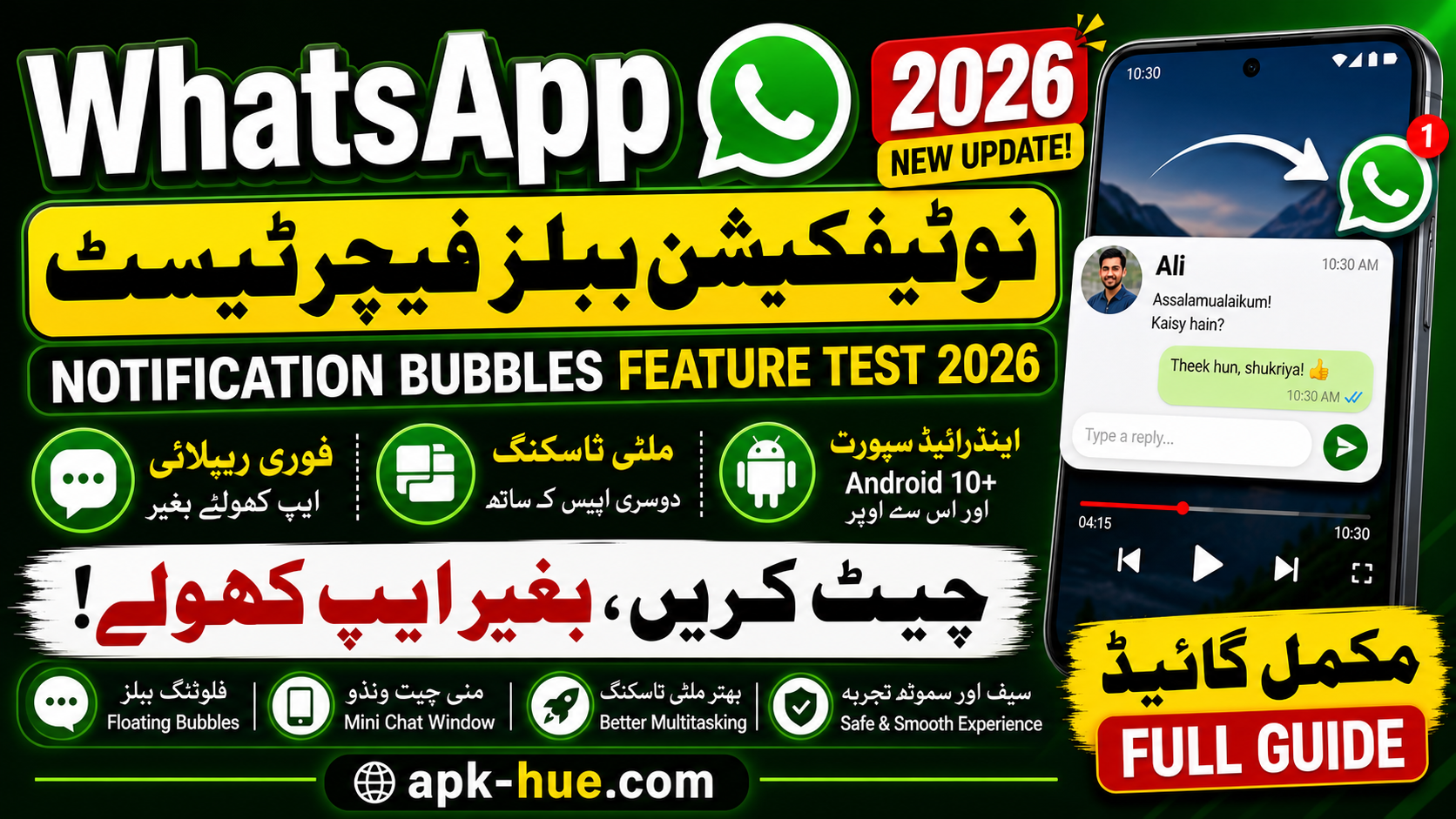
The WhatsApp Notification Bubbles Feature Test 2026 is shaping up to be one of the most exciting updates for Android users. If you’ve ever felt frustrated switching between apps just to reply to a message, this feature is designed exactly for you. WhatsApp is now working on integrating floating chat bubbles, allowing users to respond instantly without opening the app fully.
According to recent reports, WhatsApp is actively developing this feature to improve multitasking and make communication smoother across Android devices. The idea is simple but powerful—keep conversations accessible at all times, even while using other apps like YouTube, Facebook, or browsers.
In countries like Pakistan, where WhatsApp is used for everything from personal chats to business communication, this update can significantly improve daily productivity. Imagine watching a lecture, scrolling social media, or working online—and replying to messages without interruption. That’s exactly the kind of convenience WhatsApp is aiming for.
This feature reflects a broader trend in mobile technology: making apps less intrusive while keeping them more accessible. Instead of forcing users to switch contexts, apps now adapt to your workflow. And honestly, isn’t that what modern smartphones should do?
What Are Notification Bubbles?
Concept Explained Simply
Notification bubbles are small, floating icons that appear on your screen whenever you receive a message. Think of them as digital “chat heads” that stay visible above other apps. When you tap on a bubble, it opens a compact chat window where you can read and reply instantly.
This concept isn’t entirely new. Android introduced notification bubbles years ago, but many apps—including WhatsApp—had not fully adopted it until now. The key difference is that WhatsApp is now integrating this feature directly into its system, making it more seamless and user-friendly.
From a user perspective, it’s like having a shortcut to your conversations at all times. No more opening and closing apps repeatedly. Everything becomes faster, smoother, and more intuitive.
Android System Integration
Notification bubbles are part of Android’s native system, introduced with Android 10 and improved in later versions . This means WhatsApp isn’t reinventing the wheel—it’s simply leveraging a powerful feature already built into the operating system.
The integration ensures better performance and stability. Since the feature is handled by Android itself, it works efficiently without draining too much battery or slowing down your phone. That’s a big win for users who want performance without compromise.
How WhatsApp Bubble Feature Works
Floating Icon System
When you receive a message, a small circular bubble appears on your screen. This bubble usually shows:
- Contact profile picture
- WhatsApp icon
- Notification indicator
The bubble stays visible even when you switch apps. You can drag it around the screen, place it wherever you like, or dismiss it if needed.
Mini Chat Window Functionality
Tap the bubble, and a mini chat window opens instantly. Here’s what you can do:
- Read incoming messages
- Reply instantly
- Switch between chats
- Close the window easily
Reports confirm that this system allows users to respond while watching videos or using other apps simultaneously. It’s like having WhatsApp running in the background—but accessible in one tap.
Key Features of WhatsApp Notification Bubbles
Quick Replies Without Opening App
One of the biggest advantages is speed. Instead of unlocking your phone, opening WhatsApp, and navigating to a chat, you can reply instantly from the bubble.
This is especially useful for:
- Busy professionals
- Students attending online classes
- Freelancers managing multiple chats
Multitasking Benefits
Multitasking is where this feature truly shines. You can:
- Watch YouTube and reply to messages
- Browse the web while chatting
- Play games without interruptions
This aligns with Android’s growing focus on multitasking, where apps are designed to work together instead of competing for attention.
Compatibility & Requirements
Android Version Support
Here’s a quick breakdown:
| Feature Requirement | Details |
|---|---|
| Minimum Android Version | Android 10+ |
| Recommended Version | Android 11+ |
| Feature Type | Native Android Bubble API |
| Availability | Beta Testing Phase |
Notification bubbles rely on Android’s built-in system, so older devices may not fully support them.
Device Compatibility in Pakistan
Most modern smartphones in Pakistan already meet these requirements, including:
- Samsung Galaxy series
- Xiaomi / Redmi devices
- Realme & Oppo phones
This means a large number of users will be able to use this feature once it’s officially released.
Beta Testing Phase & Release Timeline
Current Development Status
Right now, the feature is still under development and testing. It has been spotted in Android beta versions of WhatsApp, but it’s not widely available yet .
This testing phase is crucial because it allows developers to:
- Fix bugs
- Improve performance
- Optimize user experience
Expected Rollout in 2026
There’s no official release date yet, but based on past updates:
- Beta users will get early access
- Stable version will roll out gradually
- Global release expected in phases
This phased rollout ensures stability and avoids major issues.
Comparison with Messenger Chat Heads
Many users will instantly compare this feature with Facebook Messenger’s chat heads—and rightly so.
| Feature | WhatsApp Bubbles | Messenger Chat Heads |
|---|---|---|
| Integration | Native Android | Semi-custom |
| Performance | Optimized | Can lag sometimes |
| UI Design | Cleaner | More cluttered |
| Flexibility | High | Medium |
WhatsApp’s approach focuses on simplicity and system-level integration, making it potentially smoother than Messenger’s version.
Impact on Daily Communication
This feature could completely change how people communicate daily. Instead of interrupting your workflow, messages become part of your ongoing activity.
For example:
- Reply to clients while working
- Chat with friends during videos
- Manage business conversations efficiently
In a country like Pakistan, where WhatsApp is used for business, education, and personal communication, this can significantly improve productivity.
Benefits for Pakistani Users
Let’s be real—people in Pakistan use WhatsApp for everything:
- Freelancing
- Online teaching
- Small business orders
- Family communication
This feature helps in:
- Saving time
- Reducing app switching
- Improving response speed
For freelancers and online workers, faster replies can even mean better earnings.
Pros and Cons of WhatsApp Notification Bubbles
| Pros | Cons |
|---|---|
| Faster replies | May distract users |
| Easy multitasking | Not available on older devices |
| Better user experience | Still in testing phase |
| Works across apps | Limited customization (for now) |
Future of WhatsApp Features
WhatsApp is clearly moving toward smarter, faster, and more flexible communication tools. Along with notification bubbles, the company is also testing features like improved UI designs and enhanced messaging systems.
This shows a strong focus on user experience and competition with other messaging apps.
Conclusion
The WhatsApp Notification Bubbles Feature Test 2026 is more than just a small update—it’s a major shift in how messaging works. By allowing users to reply instantly without leaving their current activity, WhatsApp is making communication faster and more efficient than ever.
For Android users, especially in Pakistan, this feature can become a daily essential. Whether you’re a student, freelancer, or business owner, the ability to multitask without interruptions is a game-changer.
As the feature moves from testing to full release, it’s expected to become one of the most popular WhatsApp updates in recent years.
FAQs
1. Is WhatsApp notification bubbles feature available now?
Currently, it is in beta testing and not available for all users.
2. Which Android version supports this feature?
It works on Android 10 and above, with better performance on newer versions.
3. Can I disable notification bubbles?
Yes, users will likely have the option to turn it off in settings.
4. Is this feature available on iPhone?
No, notification bubbles are Android-only due to system limitations.
5. When will it be released globally?
There is no confirmed date, but it is expected to roll out gradually after beta testing.