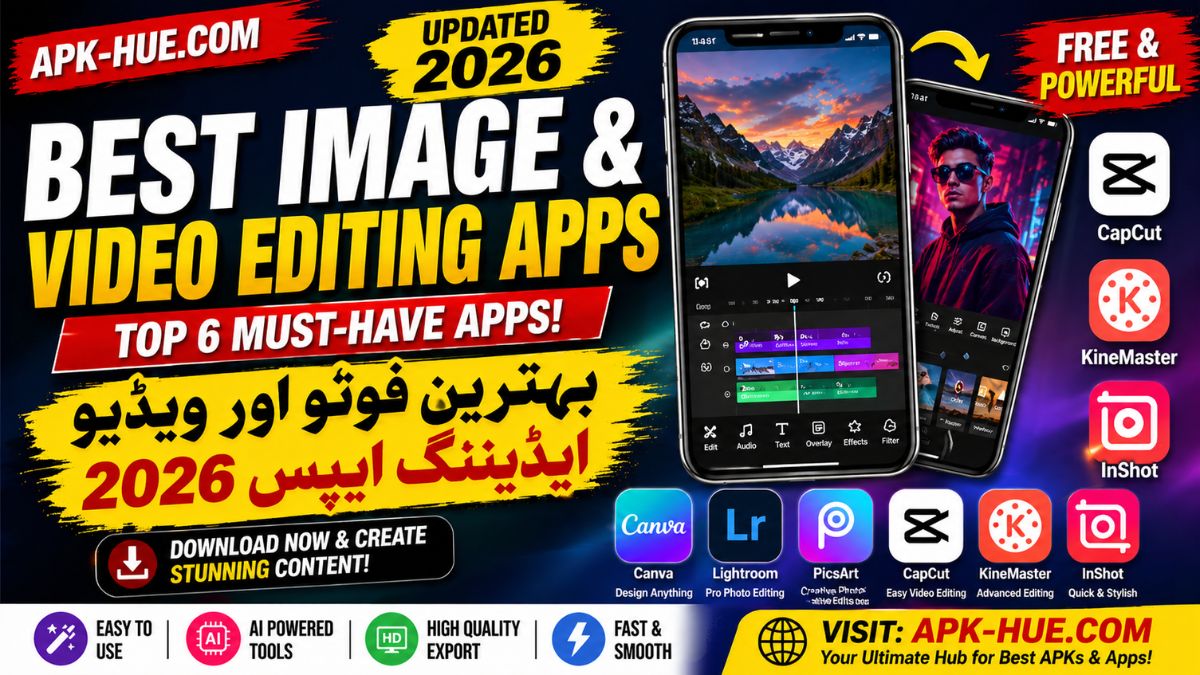
Scroll through any social media platform today—what grabs your attention first? It’s not text. It’s visuals. In 2026, content creation has exploded into a full-scale digital economy where creators, influencers, and even small businesses depend heavily on high-quality visuals. According to recent industry data, photo and video apps generated over 5.95 billion downloads globally in 2026, showing just how massive this ecosystem has become. That number alone tells a story: people aren’t just consuming content anymore—they’re creating it at scale.
Think about platforms like TikTok, Instagram, and YouTube. These platforms reward engaging visuals with reach, impressions, and ultimately income. Whether you’re editing a simple Instagram Reel or producing a professional YouTube vlog, your editing app becomes your creative partner. Without the right tools, even the best ideas can fall flat. It’s like having a great recipe but no kitchen to cook in.
What’s interesting is how democratized content creation has become. You no longer need expensive software or a powerful computer. Mobile apps now offer studio-level editing capabilities right in your pocket. This shift has lowered the barrier to entry, allowing anyone—from students to entrepreneurs—to compete in the digital space.
Importance of Visual Quality
Let’s be real—people judge content in seconds. A blurry image or poorly edited video? Swipe. Gone. That’s why visual quality has become non-negotiable in 2026. High-resolution images, smooth transitions, cinematic color grading—these are no longer “premium” features. They’re expectations.
Editing apps play a crucial role in enhancing content quality. They allow users to adjust lighting, fix colors, remove backgrounds, and add creative effects effortlessly. Even basic tools like filters and presets can transform an average photo into something eye-catching. And when it comes to videos, features like transitions, music syncing, and text overlays can turn simple clips into viral content.
Here’s the kicker: algorithms love polished content. Platforms prioritize videos and images that retain viewer attention. That means better editing can directly impact your reach and engagement. It’s not just about aesthetics—it’s about performance.
Key Features to Look for in Editing Apps
AI-Powered Tools
Artificial Intelligence has completely transformed editing apps. What once required hours of manual work can now be done in seconds. AI-powered tools like background removal, auto-enhancement, and smart filters are now standard features in most apps.
For example, many apps now offer one-tap editing solutions where the AI analyzes your image or video and applies the best settings automatically. This is a game-changer for beginners who may not understand complex editing techniques. Even professionals benefit from AI by saving time on repetitive tasks.
Interestingly, not all AI features guarantee success. Reports show that while AI-based apps are popular, their growth isn’t always consistent, indicating that usability still matters more than hype . In simple terms, people want tools that work smoothly—not just flashy features.
Ease of Use vs Professional Tools
Here’s a classic dilemma: should you choose a simple app or a professional one? The answer depends on your goals. If you’re creating quick social media content, apps with drag-and-drop interfaces and templates are ideal. They’re fast, intuitive, and require minimal learning.
On the other hand, if you’re aiming for cinematic videos or professional photography, you’ll need advanced tools. Features like multi-layer editing, keyframes, and RAW image processing are essential for high-end content creation.
The best apps in 2026 strike a balance between these two worlds. They offer beginner-friendly interfaces while still providing advanced features for experienced users. This hybrid approach is one of the reasons why certain apps dominate the market.
Best Image Editing Apps 2026
Canva Overview
If there’s one app that has revolutionized design for everyone, it’s Canva. Known for its simplicity, Canva allows users to create stunning graphics, thumbnails, and social media posts without any prior design experience. Its drag-and-drop interface feels almost like playing a game rather than working.
What makes Canva stand out is its massive library of templates. Whether you’re designing a YouTube thumbnail or an Instagram story, there’s a ready-made template waiting for you. You can customize colors, fonts, images, and layouts in minutes. It’s like having a professional designer on standby.
In 2026, Canva has also integrated AI features that suggest layouts, remove backgrounds, and enhance images automatically. This makes it even more powerful for beginners. While it may not replace advanced tools like Photoshop, it excels in speed and convenience.
Adobe Lightroom Features
For those who want precision and control, Adobe Lightroom is the go-to choice. This app is widely used by photographers and professionals who need detailed editing capabilities. From color grading to exposure adjustments, Lightroom offers a level of control that few apps can match.
One of its standout features is non-destructive editing. This means you can experiment freely without worrying about losing your original image. It’s like having an undo button for everything. Additionally, Lightroom’s presets allow users to apply consistent styles across multiple photos, which is perfect for branding.
In 2026, Lightroom continues to dominate the professional editing space due to its powerful tools and seamless integration with other Adobe products. While it has a learning curve, the results are worth the effort.
PicsArt AI Tools
PicsArt is where creativity meets fun. Unlike traditional editing apps, PicsArt focuses on artistic expression. From AI-generated effects to stickers and collages, it offers endless possibilities for creative edits.
The app’s AI tools allow users to transform ordinary photos into unique artwork. Want to turn your selfie into a painting? Done. Need a surreal background? Easy. PicsArt makes experimentation accessible to everyone.
It’s particularly popular among younger audiences and social media creators who want to stand out. While it may not be ideal for professional photography, it’s perfect for creating eye-catching content.
Best Video Editing Apps 2026
CapCut Dominance
When it comes to video editing, CapCut is the undisputed leader in 2026. With over 509 million downloads, it stands as the most popular photo and video editing app globally . That’s not just impressive—it’s dominant.
CapCut’s success lies in its balance of simplicity and power. It offers advanced features like keyframe animation, green screen effects, and audio syncing, all wrapped in an easy-to-use interface. Whether you’re editing TikTok videos or YouTube Shorts, CapCut has everything you need.
Another reason for its popularity is its integration with social media trends. The app constantly updates its templates and effects to match what’s trending, helping creators stay relevant.
Kinemaster Capabilities
Kinemaster is like having a mini editing studio on your phone. It supports multi-layer editing, allowing users to add videos, images, text, and effects simultaneously. This makes it ideal for more complex projects.
What sets Kinemaster apart is its precision. You can trim clips frame by frame, adjust audio levels, and apply transitions with incredible accuracy. It’s a favorite among YouTubers and vloggers who need more control over their edits.
While it may feel overwhelming for beginners, those who invest time in learning it can achieve professional-level results.
InShot Simplicity
InShot is proof that simplicity can be powerful. Designed for quick edits, it’s perfect for creating social media content on the go. Features like trimming, speed control, and filters make it easy to produce polished videos in minutes.
Despite its simplicity, InShot doesn’t compromise on quality. It offers HD exports and trendy effects that keep your content looking fresh. It’s especially محبوب among Instagram and TikTok creators who need fast results.
Reports also highlight InShot as one of the most downloaded editing apps globally, reinforcing its popularity among everyday users .
Comparison Table of Top Apps
| App Name | Best For | Key Features | Skill Level |
|---|---|---|---|
| Canva | Social Media Design | Templates, AI tools | Beginner |
| Lightroom | Professional Editing | Color grading, RAW editing | Advanced |
| PicsArt | Creative Edits | AI effects, stickers | Beginner |
| CapCut | Video Editing | Transitions, keyframes | All Levels |
| Kinemaster | Advanced Video | Multi-layer editing | Advanced |
| InShot | Quick Edits | Filters, trimming | Beginner |
AI Trends in Editing Apps
Automation & Smart Editing
AI is no longer optional—it’s essential. Modern apps use AI to automate tasks like color correction, object removal, and even video editing sequences. This allows creators to focus more on storytelling rather than technical details.
Future of AI Creators
Looking ahead, AI will play an even bigger role. From generating entire videos to suggesting content ideas, the future of editing is becoming increasingly automated. The goal is simple: make content creation faster and more accessible.
Best Apps for Beginners vs Professionals
Beginners should focus on apps like Canva, PicsArt, and InShot due to their simplicity. Professionals, on the other hand, will benefit more from Lightroom and Kinemaster, which offer advanced tools and greater control.
Tips to Choose the Right Editing App
Choosing the right app depends on your goals. If you want speed, go for simple apps. If you want quality, choose advanced tools. Always consider your skill level, budget, and content type before making a decision.
Conclusion
The world of content creation in 2026 is more competitive than ever, but the right tools can make all the difference. Whether you’re editing photos or videos, apps like Canva, CapCut, and Lightroom provide everything you need to create stunning content. The key is to choose the app that aligns with your workflow and goals.
FAQs
1. Which is the best free editing app in 2026?
CapCut and Canva are among the best free apps with powerful features.
2. What app do YouTubers use for editing?
Many YouTubers use Kinemaster and Lightroom for professional results.
3. Is AI important in editing apps?
Yes, AI speeds up editing and improves quality significantly.
4. Which app is best for beginners?
Canva and InShot are perfect for beginners due to their simplicity.
5. Are mobile editing apps enough for professional work?
Yes, many apps now offer professional-level features suitable for high-quality content.